AI News
Learn technology.
Build skills at your pace.
For beginners, career changers, and anyone who cannot afford traditional schooling—in the Philippines and beyond. Explore computers, data centers, networking, AI, coding and quantum foundations.
No account needed for samples. Free accounts include all 17 programs and both AI & Quantum steps. External exams and optional services may cost extra.
Featured video · Quantum computing
Demonstrating Magic State Cultivation on the Willow Processor
Google Quantum AI · YouTube
AI & Quantum Computing News
Newest available headlines from connected publishers. Check publication dates; updates are collected periodically, not in real time.
Quantum Computing News
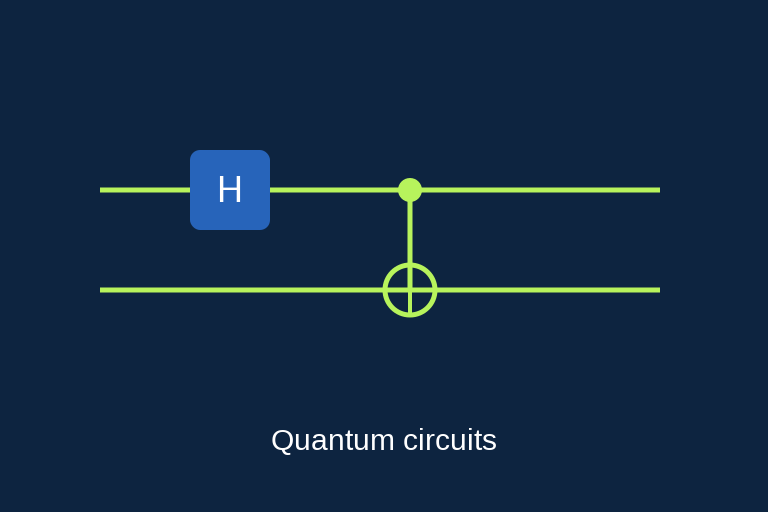
A game you cannot win unless you have a quantum computer
All quantum computing news →Technology News
See what 6 builders are making with Gemini 4 Hydrogen
All technology news →Career Success Stories
Jonah Andersson · a scholarship and continuing study
All career stories →Career Opportunities

Start your IT career: skills, certifications and job resources
Explore career guidance →Your first three steps
- Try: Read a five-minute sample lesson and answer three practice questions.
- Join: Create a free account to access your courses.
- Continue: Learn, practice and track progress in your dashboard.
AI & Quantum training path
Start with the foundation program, then continue to the development labs.
Step 1 · Start here
Start the 16-week AI & Quantum programStep 2 · Continue after the foundation
Continue to AI for Quantum Development labsFollow these 3 steps below:
Begin with the basics in Step 1, build practical skills in Step 2, then explore advanced programs in Step 3.
Step 1. Start Here
Build confidence with everyday computer skills.

Computer / IT fundamentals
Build confidence using computers, operating systems, files and everyday digital tools.
View program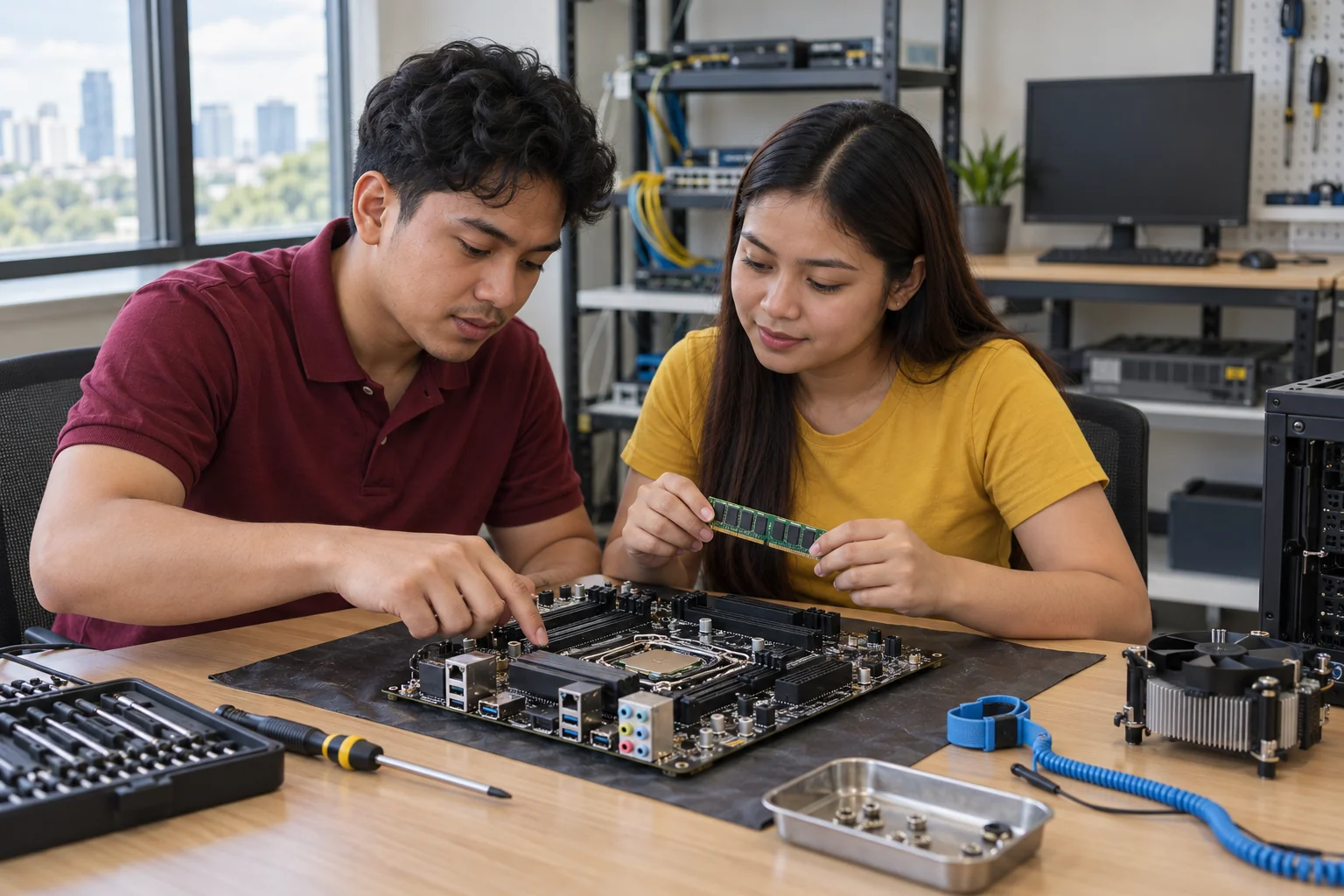
Computer hardware & troubleshooting
Understand computer components and practice diagnosing common hardware issues.
View program
Networking fundamentals
Learn how devices connect, with introductory IP addressing and network troubleshooting.
View programStep 2. Build Your Skills
Choose a practical technical or career pathway.

Data Center Technician training
Explore data center environments, equipment handling and technician responsibilities.
View program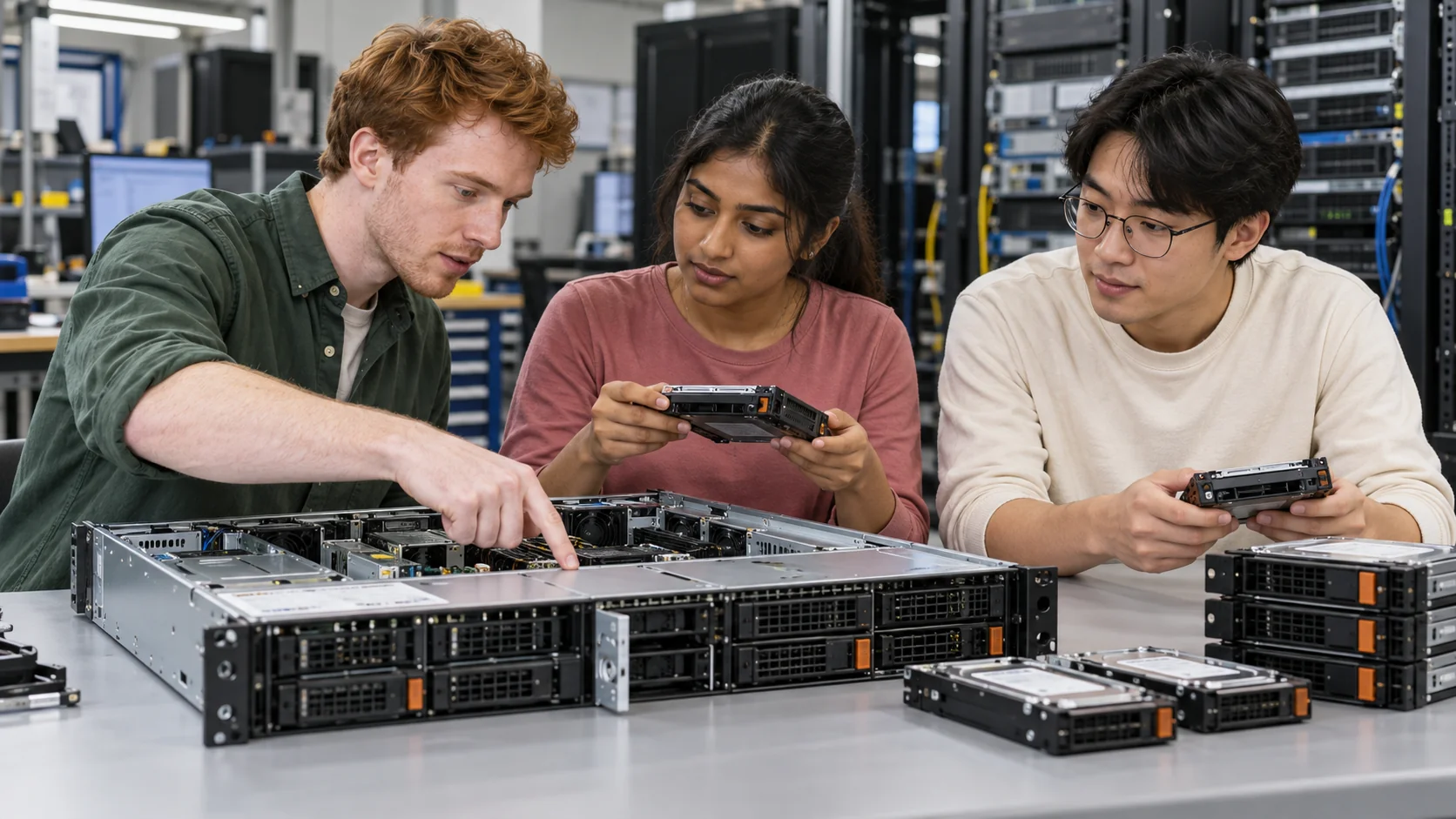
Servers & storage
Learn the roles of servers, storage systems and basic equipment configuration.
View program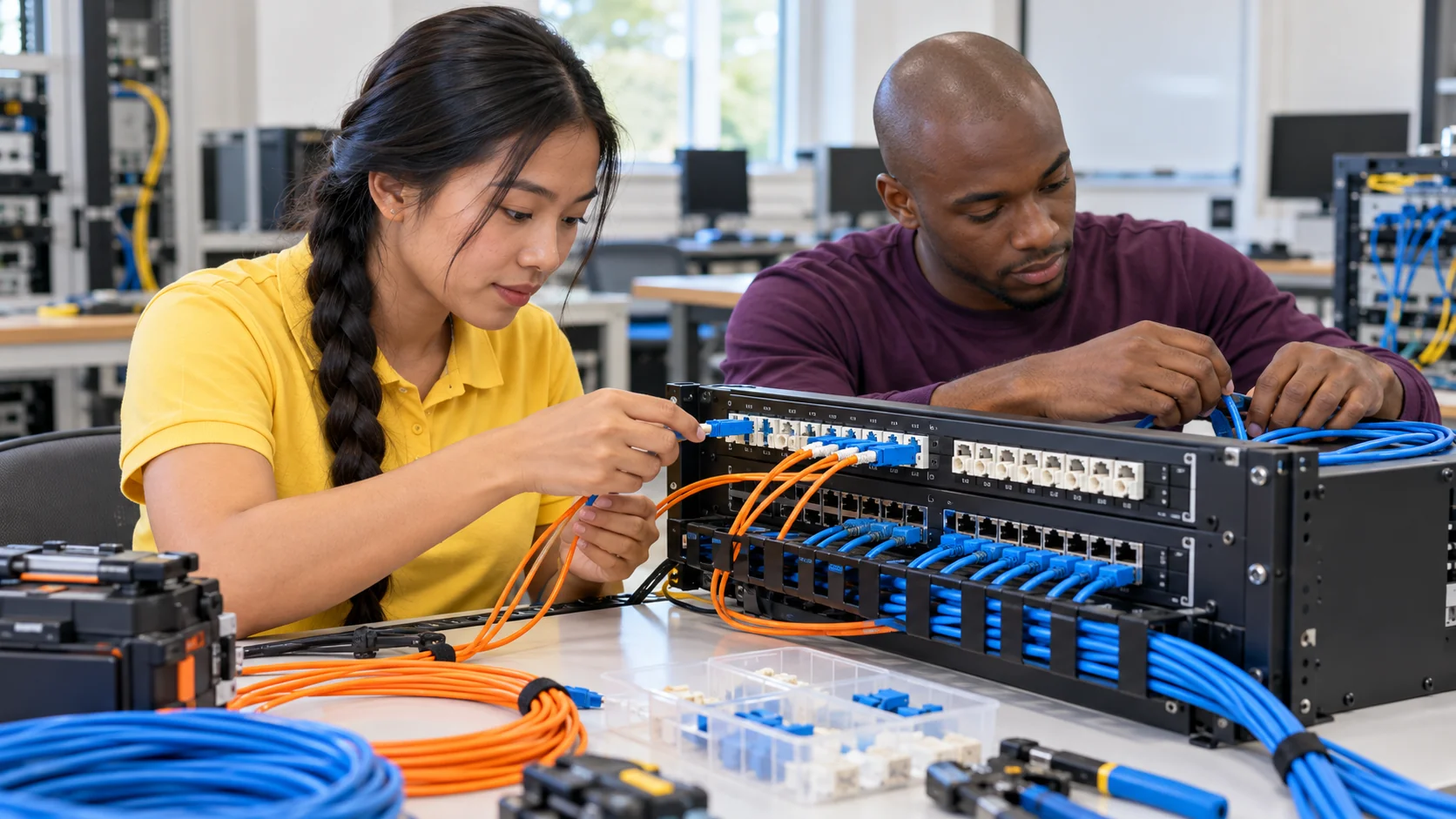
Cabling / fiber basics
Explore structured cabling, connections, cable management and fiber concepts.
View program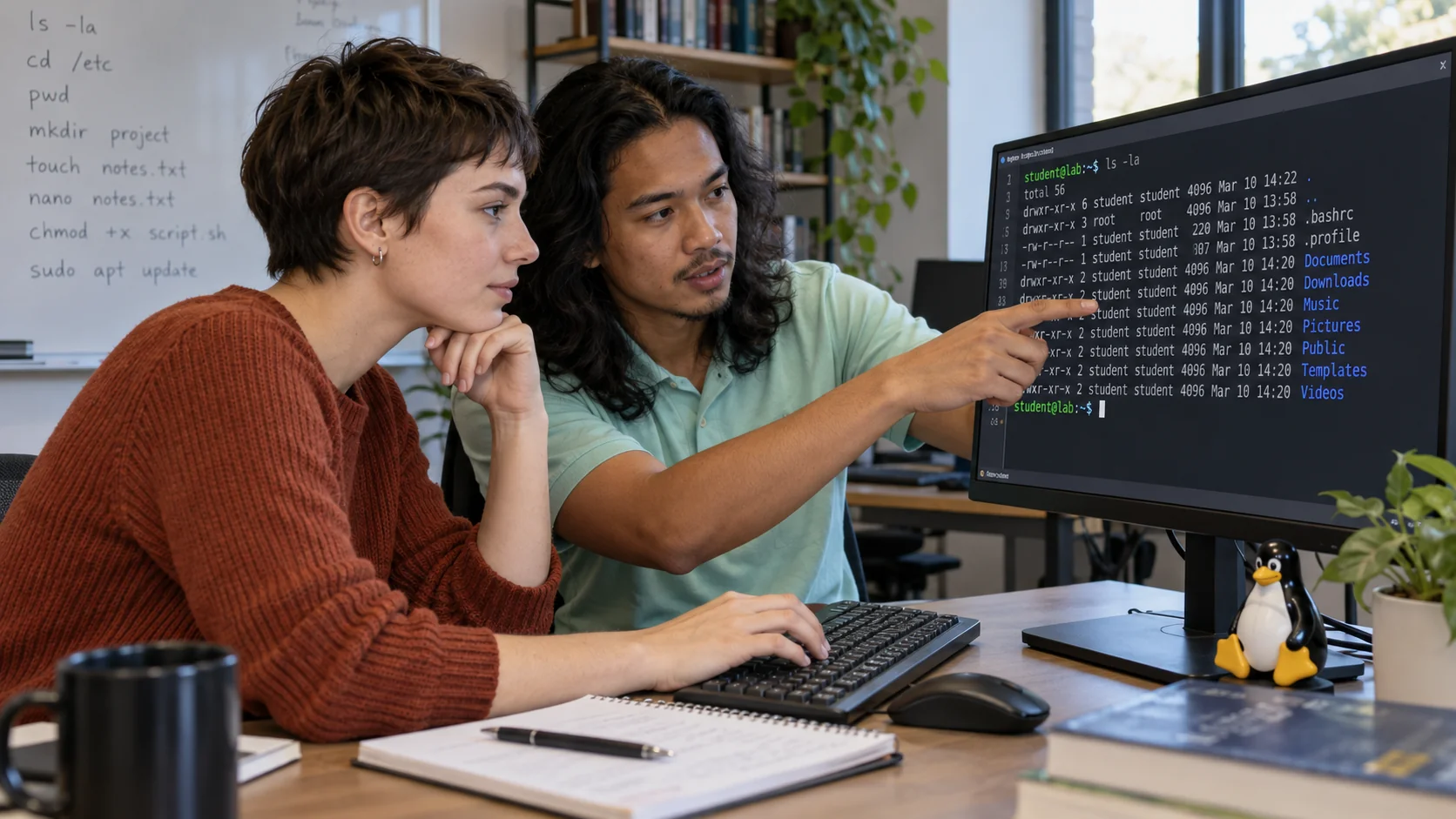
Linux fundamentals
Practice navigating Linux, working with files and using introductory commands.
View program
Cloud fundamentals
Understand cloud services, virtual infrastructure and common cloud concepts.
View program
Cybersecurity fundamentals
Learn basic security practices, access controls and awareness of common threats.
View program
Certification preparation
Review relevant exam topics and practice applying technical knowledge.
View program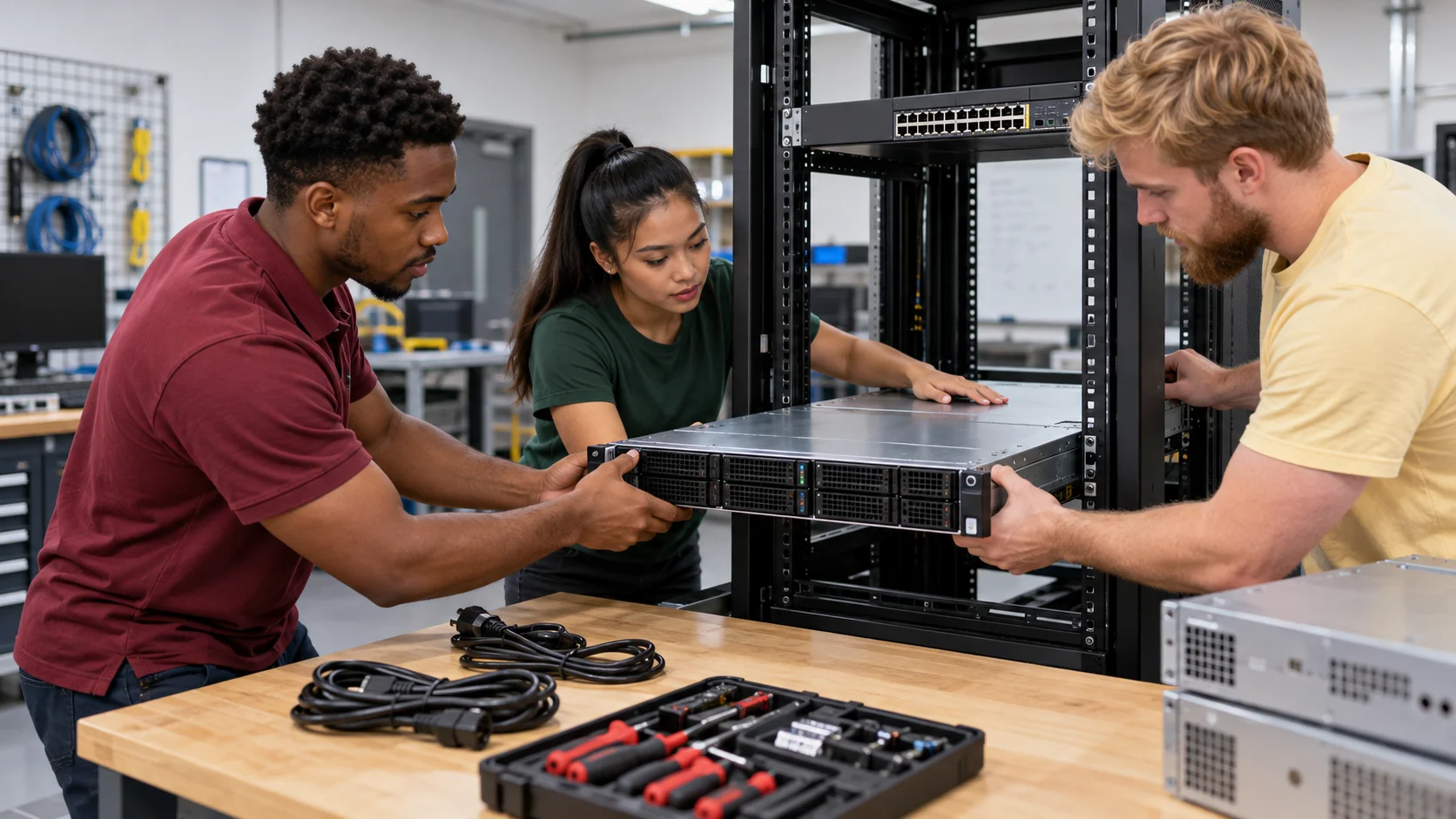
Hands-on data center lab training
Apply skills through planned equipment exercises and troubleshooting scenarios.
View program
Job-readiness training
Prepare resumes, practice interviews and develop communication and workplace skills.
View program
Application Development
Build small applications with programming, validation, testing and portfolio projects.
View program
Web Design
Create readable, responsive and accessible websites using HTML, CSS and basic interaction.
View programStep 3. Explore Advanced Programs
Start with introductions, then build toward deeper study.

AI fundamentals
Explore AI concepts, practical tools and responsible everyday use.
View program
Quantum Computing fundamentals
Start with bits, qubits and simple visual activities. Build toward circuits and quantum concepts at your own pace.
View program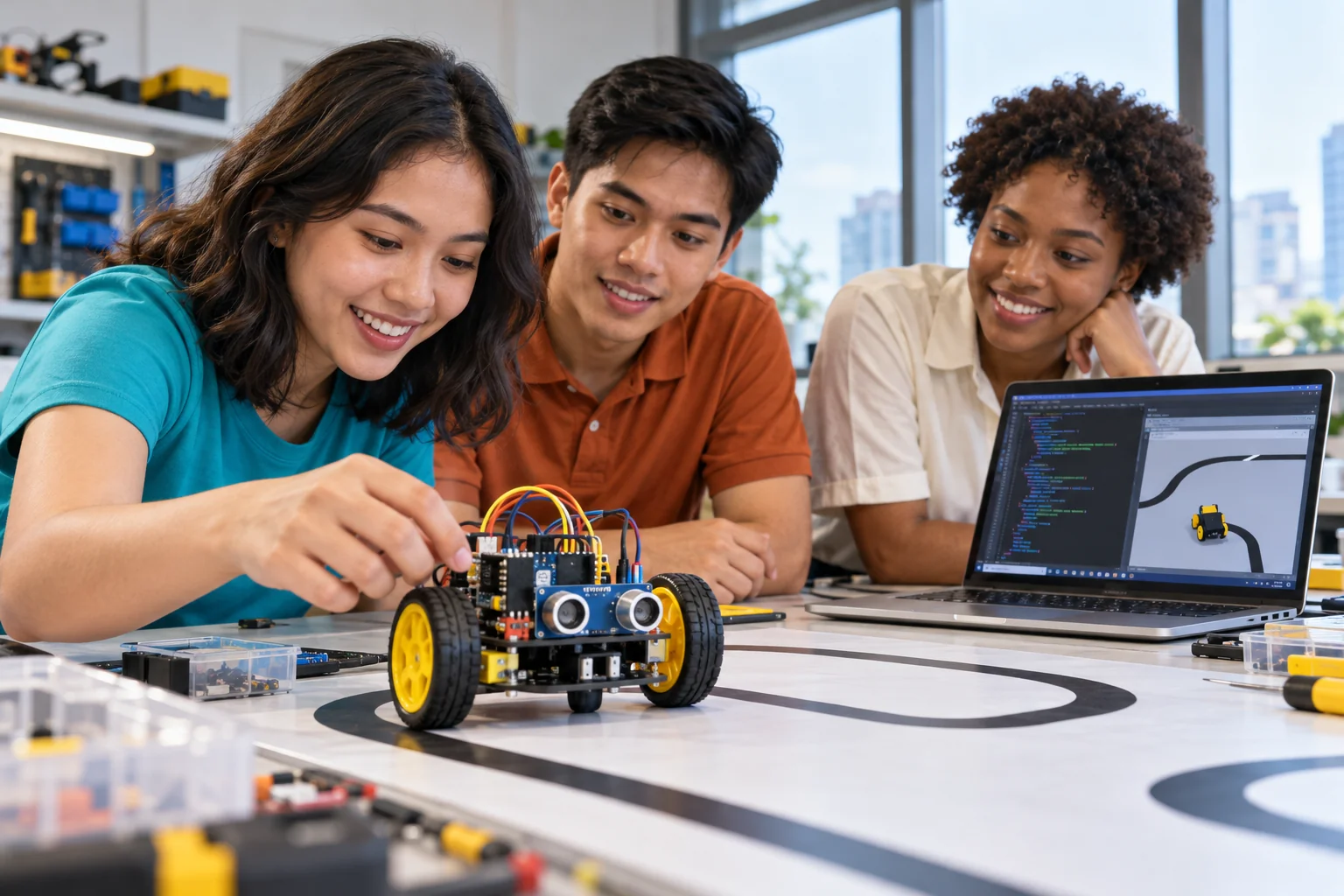
Robotics fundamentals
Learn sensors, motors, microcontrollers and robot control through simulation, practical exercises and a robotics portfolio.
View programPractical AI — beginner learning path
Learn AI basics, clear instructions, answer checking, Python automation, AI infrastructure and application building. Includes six practice topics, short quizzes, a math refresher and a flexible 12-week plan.
Start practical AI training →AI Engineering — step-by-step roadmap
Follow the Python-to-AI pathway and set up your own ChatGPT learning tutor.
Explore AI Engineering & tutor setup →Student rewards · proposed pilot
Proposed: up to ₱900 mobile load through three ₱300 milestones for the first 10 confirmed participants. Final eligibility terms require owner approval. Rewards are reviewed and sent manually; no payment is guaranteed.
See rewards & how to join →